PicDock
Supercharge your local image workflow.
View images across subfolders in one instant grid. Cull, sort, move, resize, and compress—all with keyboard speed and zero Finder friction.
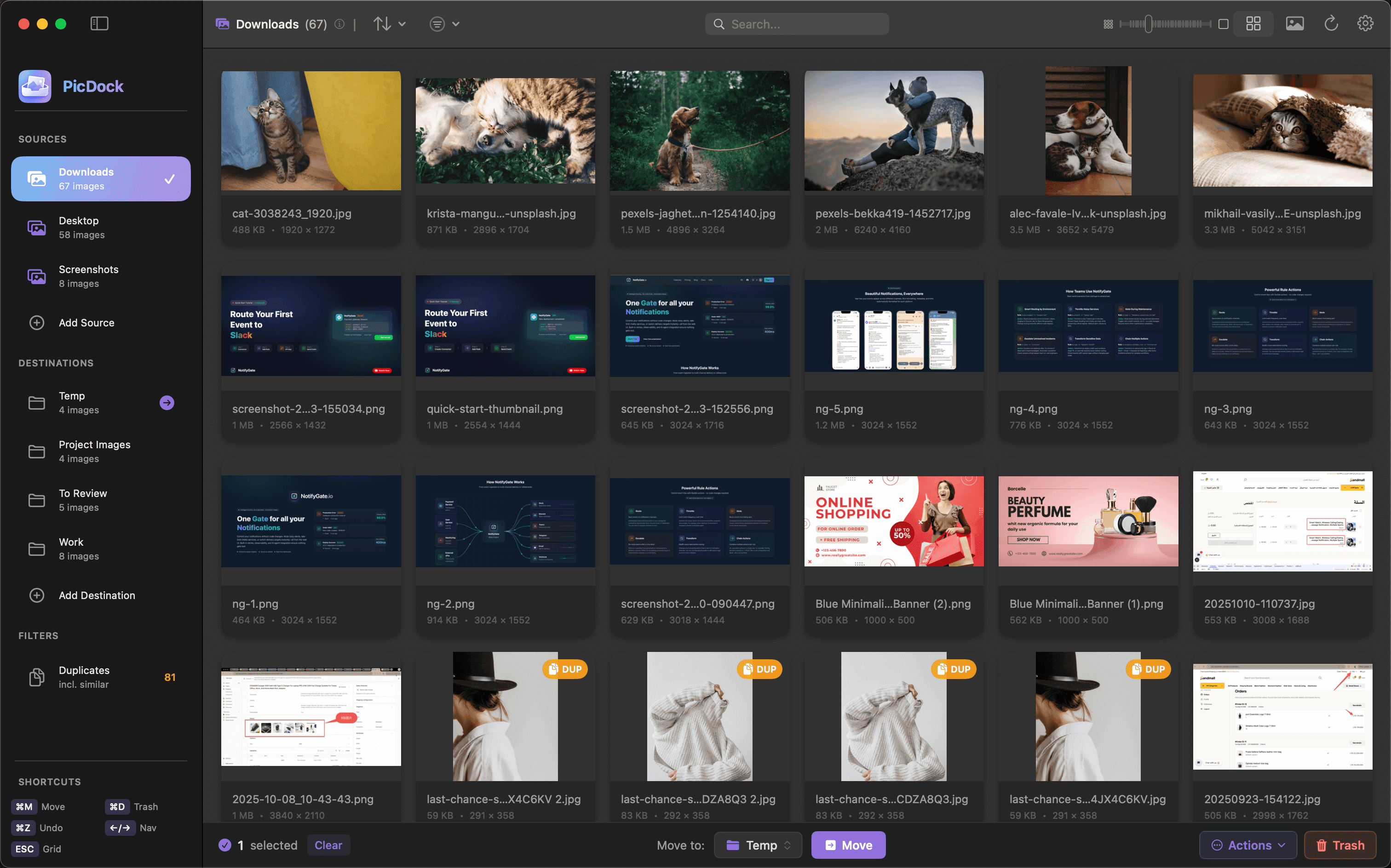
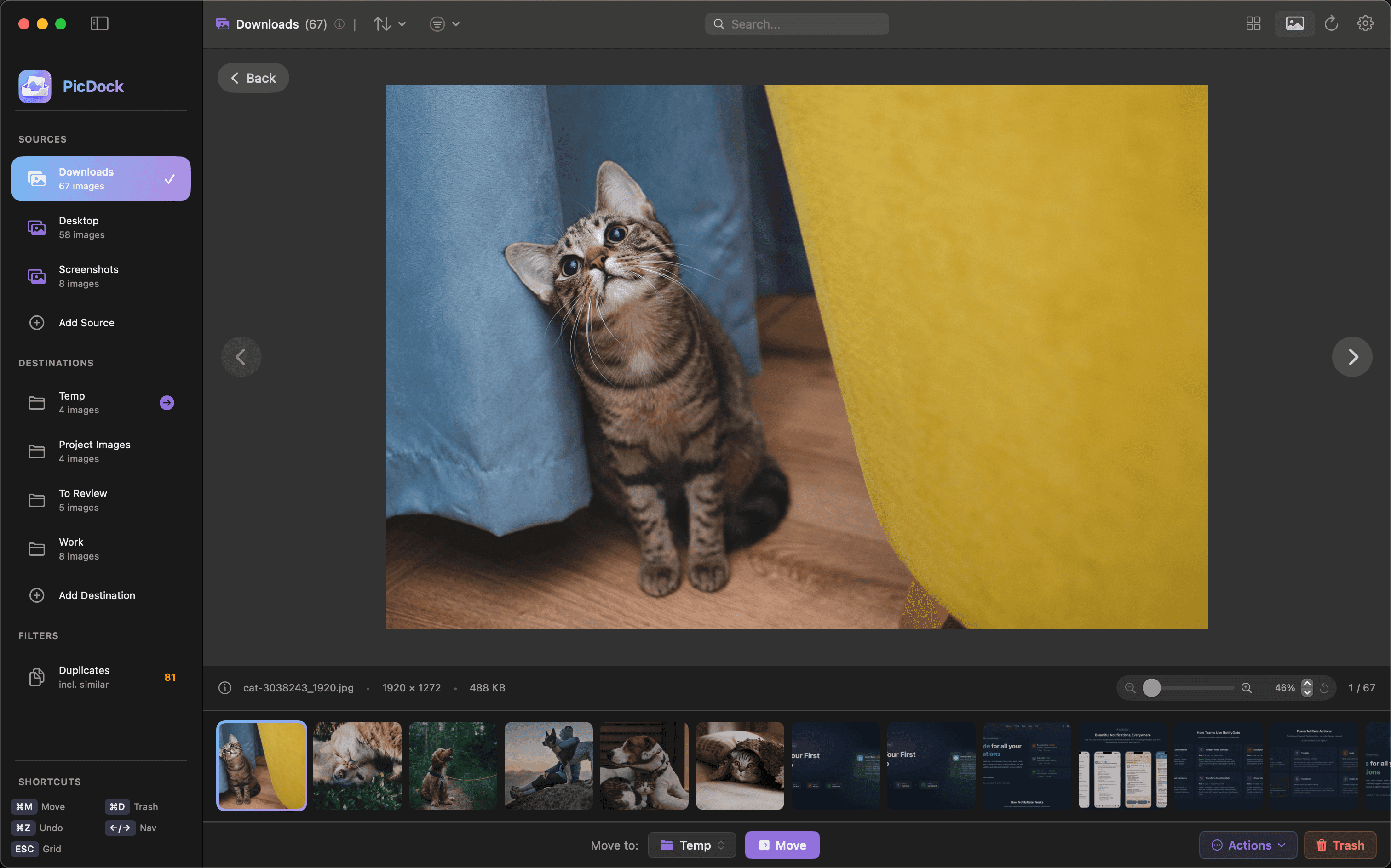
Workflow, perfected.
PicDock is designed for the way you actually work. Fast, keyboard-centric, and distraction-free.
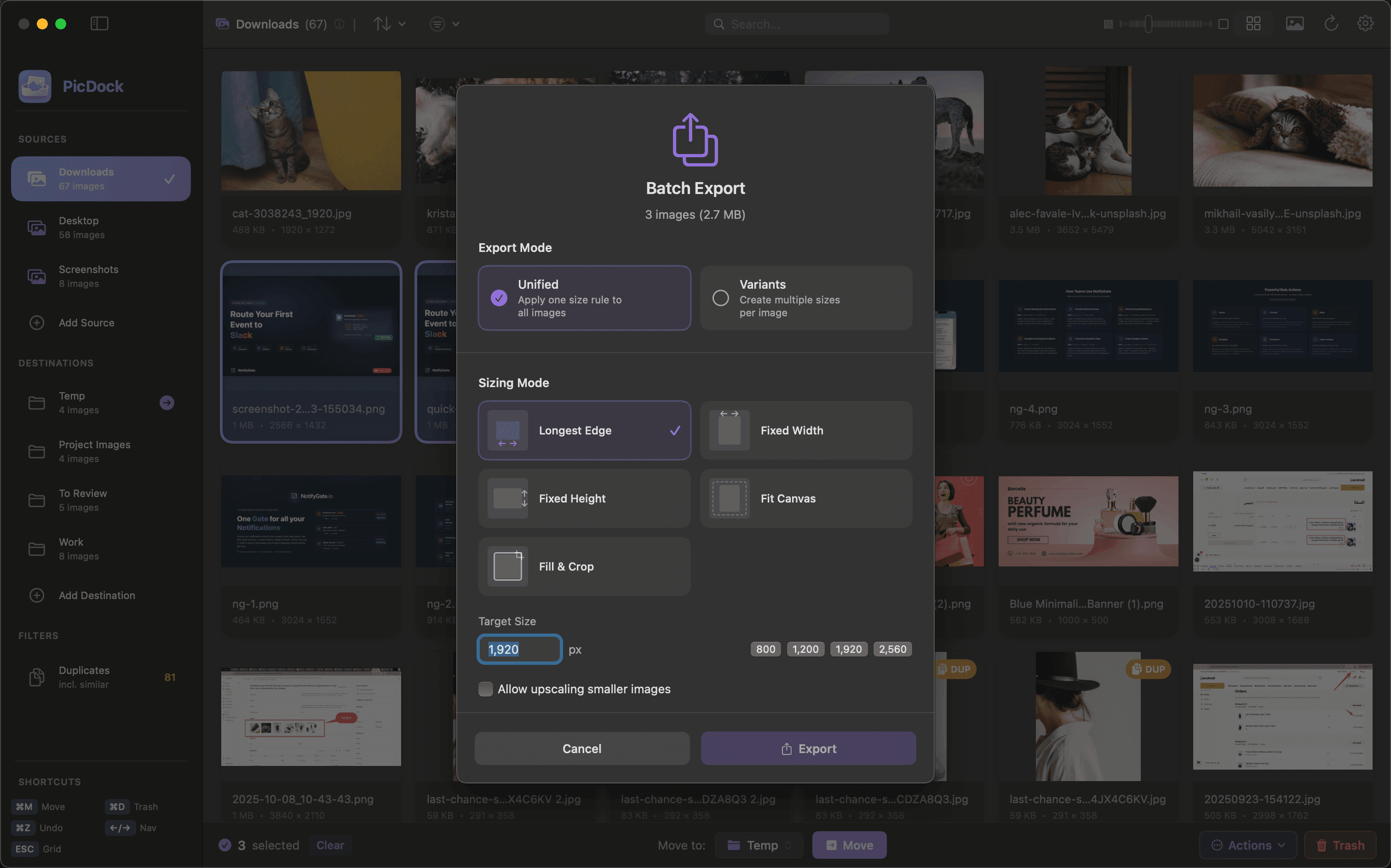
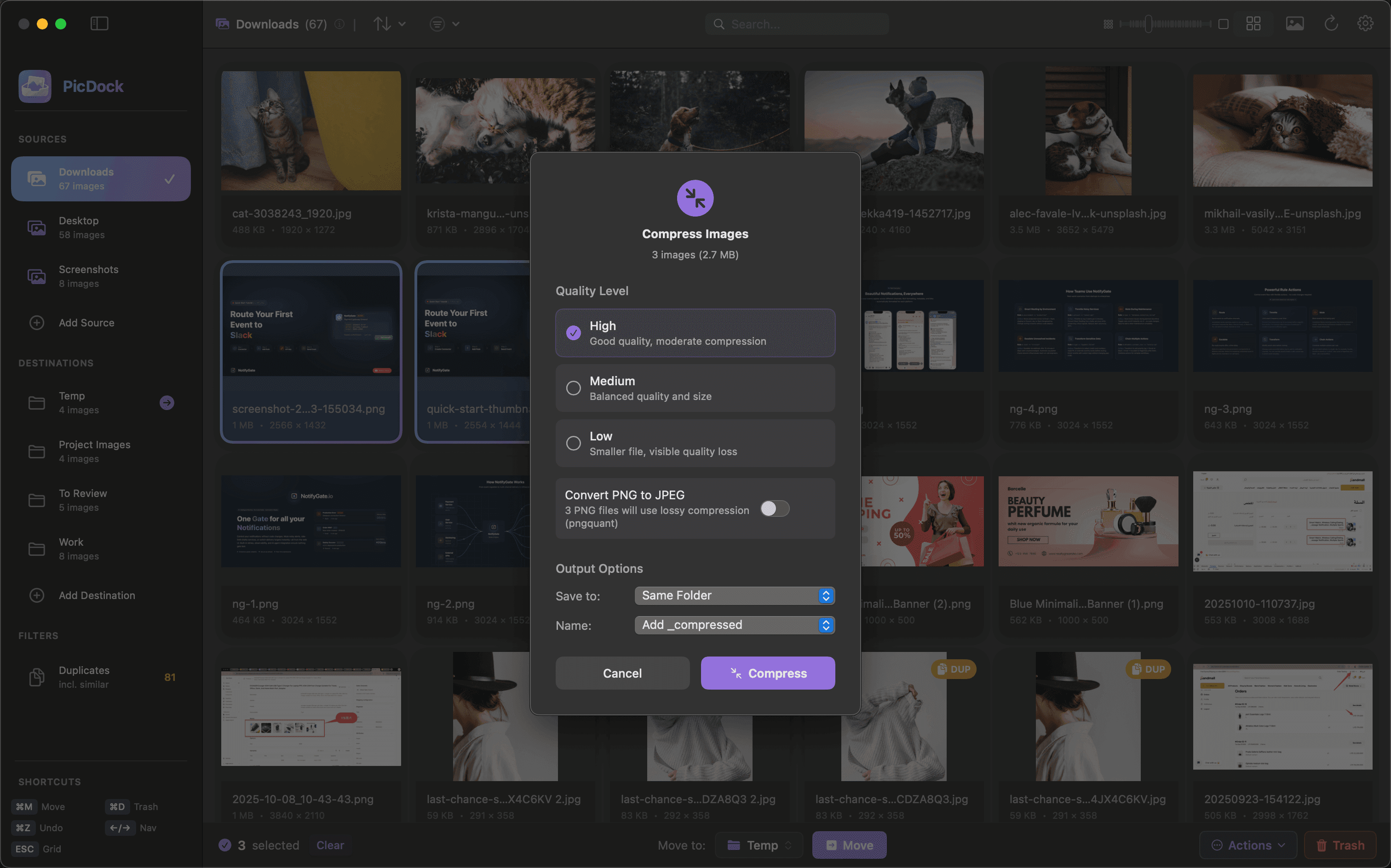
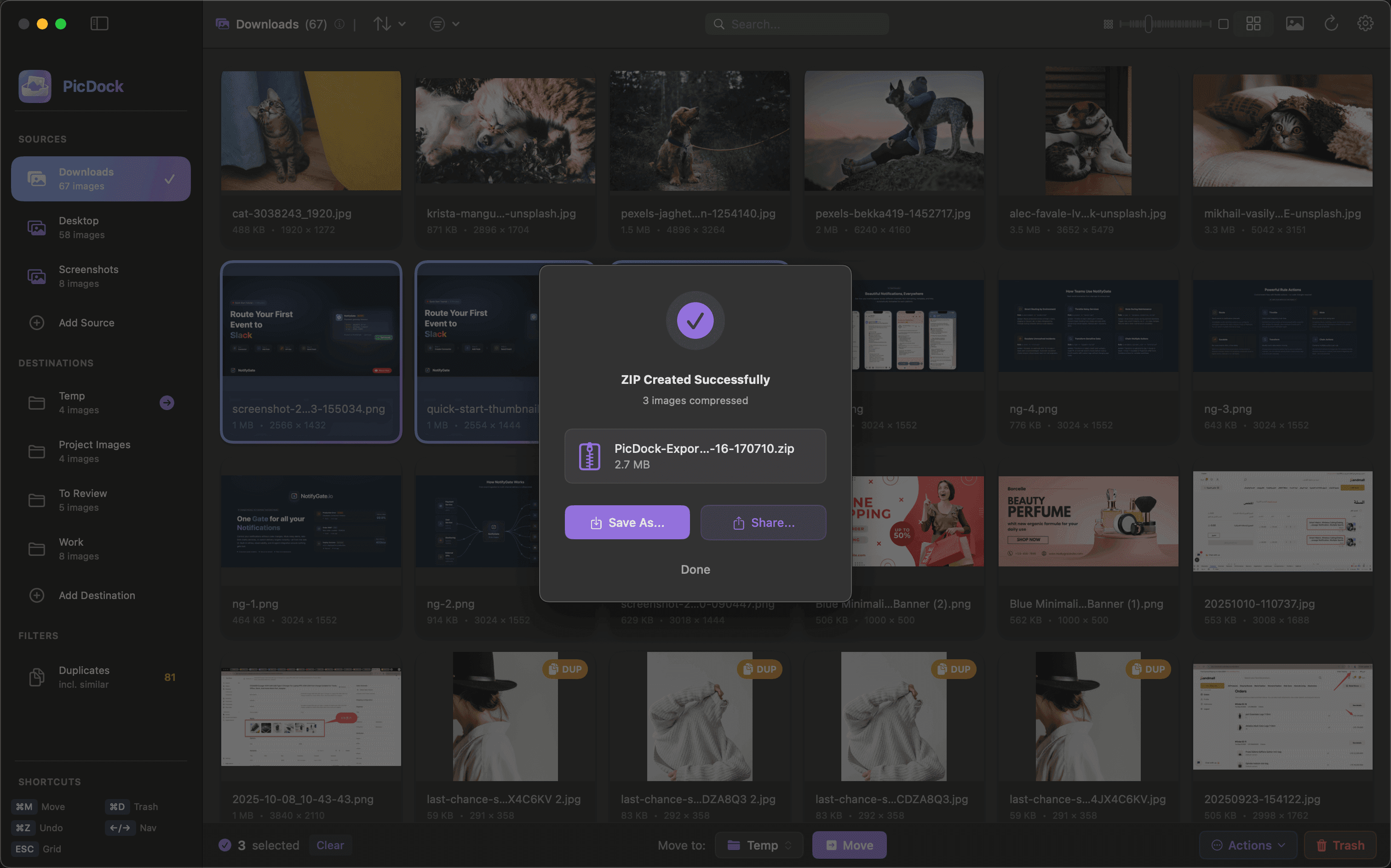
PicDock is for you if...
You manage images in folders and don't want to import everything into a slow Photos library.
Review & Culling
You need a proper “review → select → organize” workflow. Cull images fast and move them instantly.
Viewing large details (EXIF, zoom) in Finder is annoying. PicDock makes it instant.
One-Click Actions
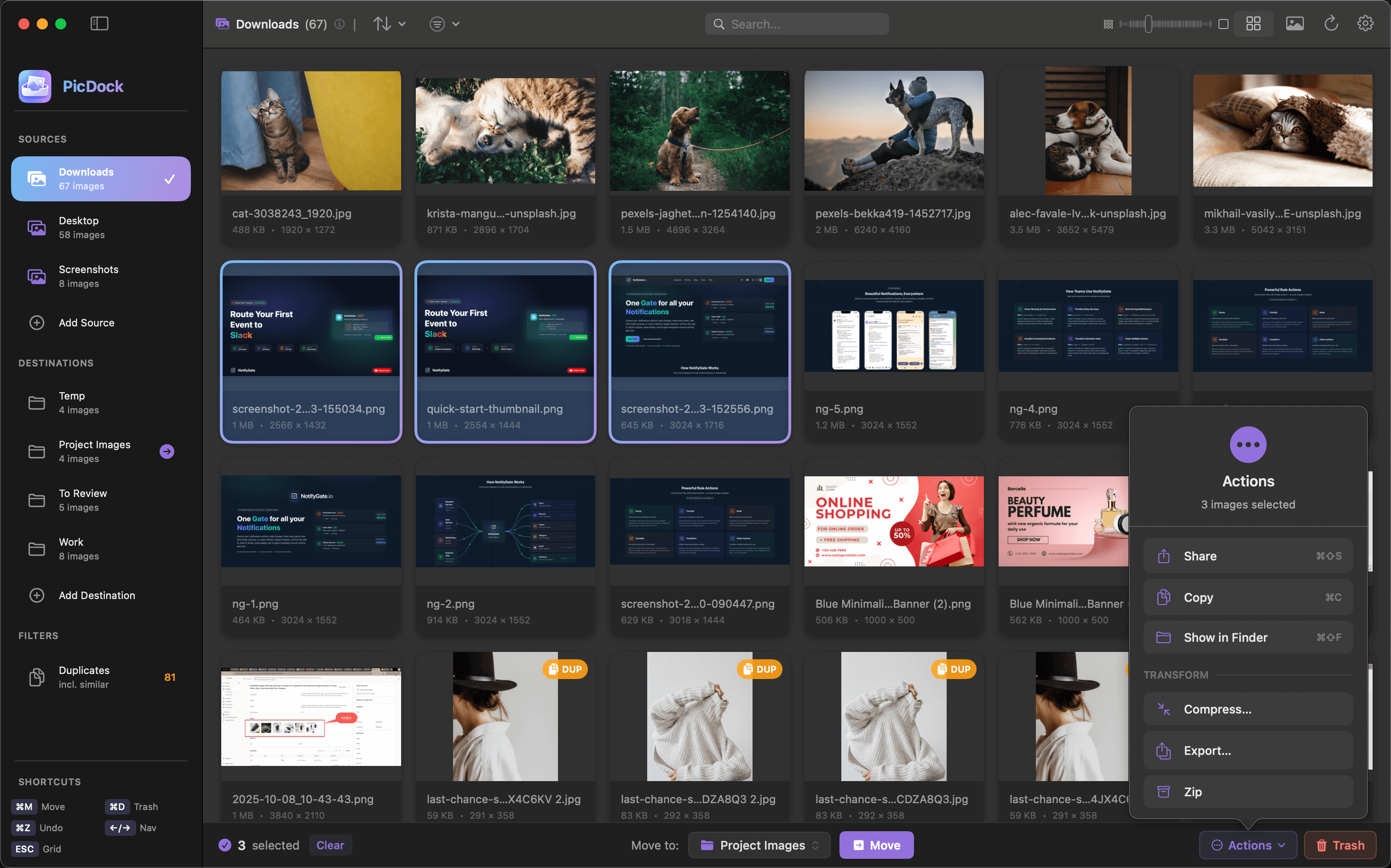
Select images and instantly create a ZIP or share to other apps without manual steps.
Batch compress images for email/upload with a smoother workflow than built-in tools.
Organization
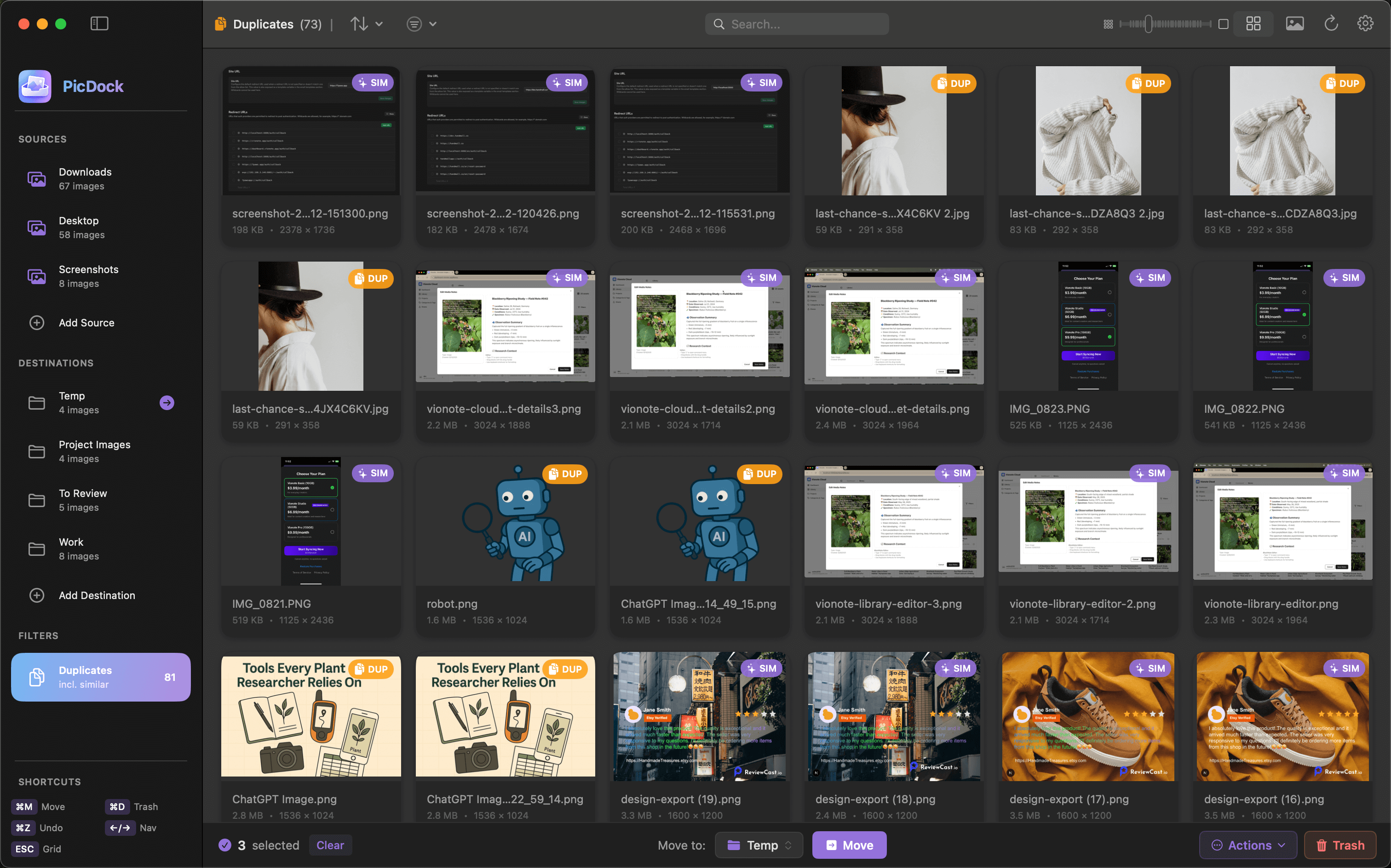
Duplicate Detection: Screenshots and version exports pile up. Finder can't help, but PicDock can.
Better Sorting: Filter by resolution, date, or folder path to find exactly what you need.
Internal Tools
Built-in Zip: Select images and package them into a ZIP instantly without leaving the app.
Smart Compression: Reduce file sizes for web or email with professional-grade compression tools built right in.
Efficiency
Keyboard-First: Browse, select, move, zip, and delete with shortcuts. Stop the constant mouse dragging.
Local Privacy
Everything stays local. No cloud uploads, no library scanning outside your chosen folders. Your data is yours.
Why switch from Finder?
Finder + Preview
PicDock
FAQ
Our Apps
More productivity tools from our team