 PicDock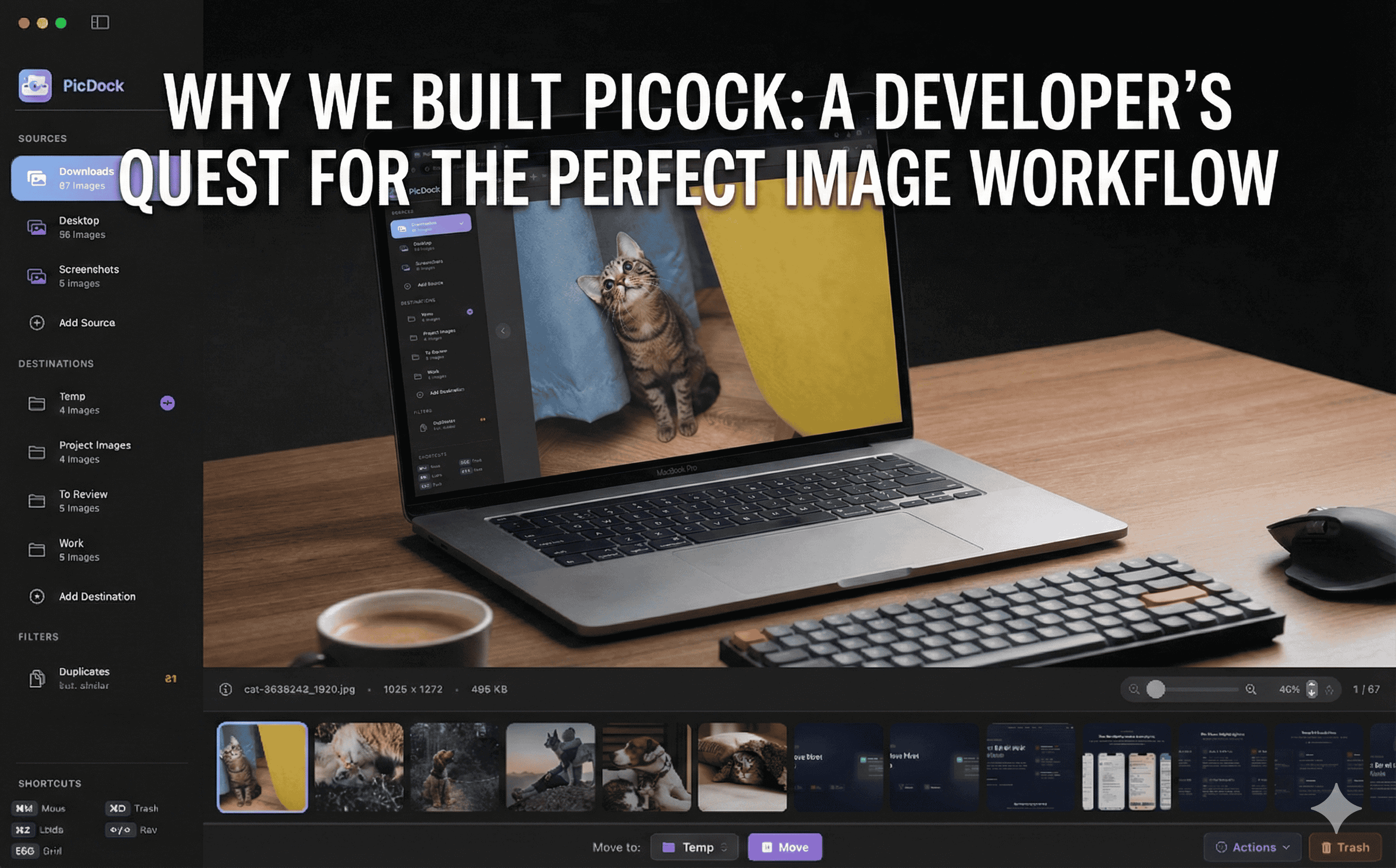
Why We Built PicDock: A Developer's Quest for the Perfect Image Workflow
By PicDock Founder
As a full-stack developer, my daily workflow is a constant juggle between code, design assets, and communication. Whether I'm implementing a new UI component, preparing assets for a mobile app, or documenting a bug with screenshots, images are everywhere.
However, I realized that I was spending an exhausting amount of time performing repetitive tasks that should have been instantaneous.
The Friction in the Default Workflow
We’ve all been there. You have a folder full of high-resolution design exports. You need to:
- Find the right one among hundreds.
- Compress it so it doesn't bloat the repository.
- Convert it to WebP for better performance.
- Resize it for different breakpoints.
- Zip a collection to share with a client.
In macOS, this usually means a clumsy dance between Finder (which is terrible at recursive folder views) and Preview (which lacks robust batch processing). I found myself constantly opening multiple windows, dragging files back and forth, and using various online "converter" sites just to get simple tasks done.
The Search for a Solution
I didn't want to build another app; I wanted to buy one. I spent weeks scouring the Mac App Store and various developer forums for a tool that could handle:
- Recursive Viewing: Seeing all images in subfolders at once.
- Native Performance: No electron lag—I needed it to handle thousands of images instantly.
- Batch Power Tools: One-click compression, conversion, and organization.
- Privacy: Keeping everything local, with no cloud uploads.
To my surprise, nothing met these requirements. The existing apps were either too simple (basically just viewers), too complex (heavy photo management like Lightroom), or bloated with subscription models and cloud features I didn't want.
Building the Missing Piece
That’s why I built PicDock.
I wanted an app that felt like a native extension of my professional workflow. A tool that understands the difference between a "photo library" and a "working directory."
PicDock is built with Swift and Metal for lightning-fast performance. It’s designed for the power user who lives on their keyboard. It doesn't just "view" images—it helps you process them and get back to your real work.
What Makes PicDock Different?
- Zero Import Friction: Just point it at a folder and go. No libraries to manage.
- Unified Grid: Stop clicking through nested folders. See everything in one view.
- Action-Oriented: Built-in batch compression, format conversion, and ZIP creation.
- Developer-First: Clean, focused, and 100% private.
PicDock started as a solution to my own daily frustrations. Today, it’s a tool for every developer, designer, and content creator who believes their time is too valuable to spend on "Finder friction."
Welcome to a faster way to work. Welcome to PicDock.